 SwingDeck
SwingDeck Remote
Your GSPro controls, in your hand.
Aim, change clubs, click and type from your phone or tablet. Scan one code and you're connected.
- 7-day free trial
- No subscription
- $15 one-time purchase
Windows 10 (2004) or later, 64-bit. Nothing to install on your phone.
Set up in three steps
From install to first shot in minutes.
No cables, no logins, nothing to configure.
Install on your PC
Get SwingDeck Remote on the Windows PC that runs GSPro. It sits in the tray and starts with Windows.
Scan the code
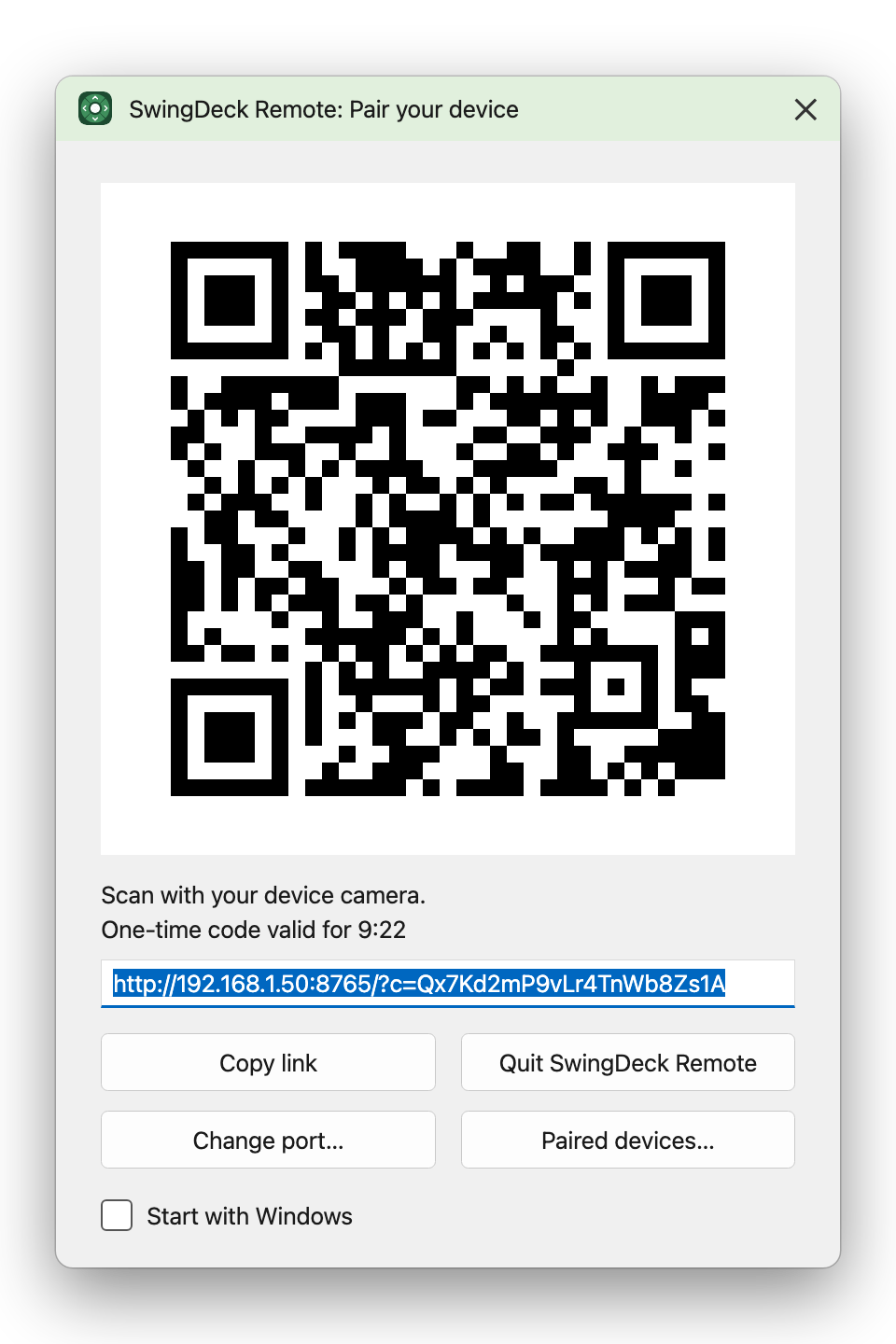
Point your phone's camera at the code in the pairing window. It opens in the browser, with nothing to install.
Play
Your buttons, aim wheel and trackpad are ready between shots.
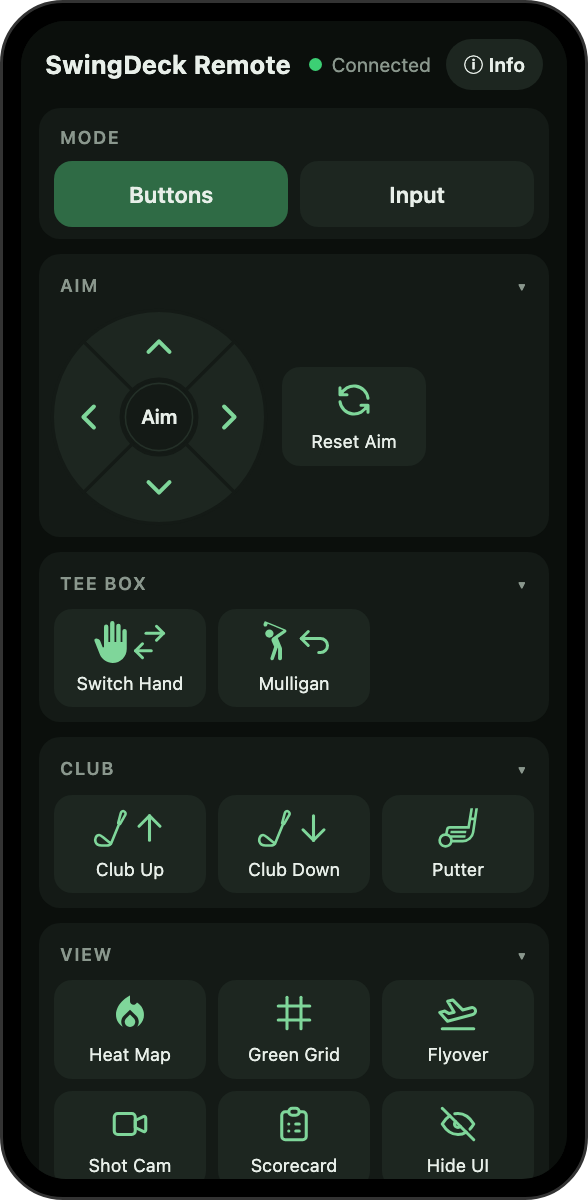
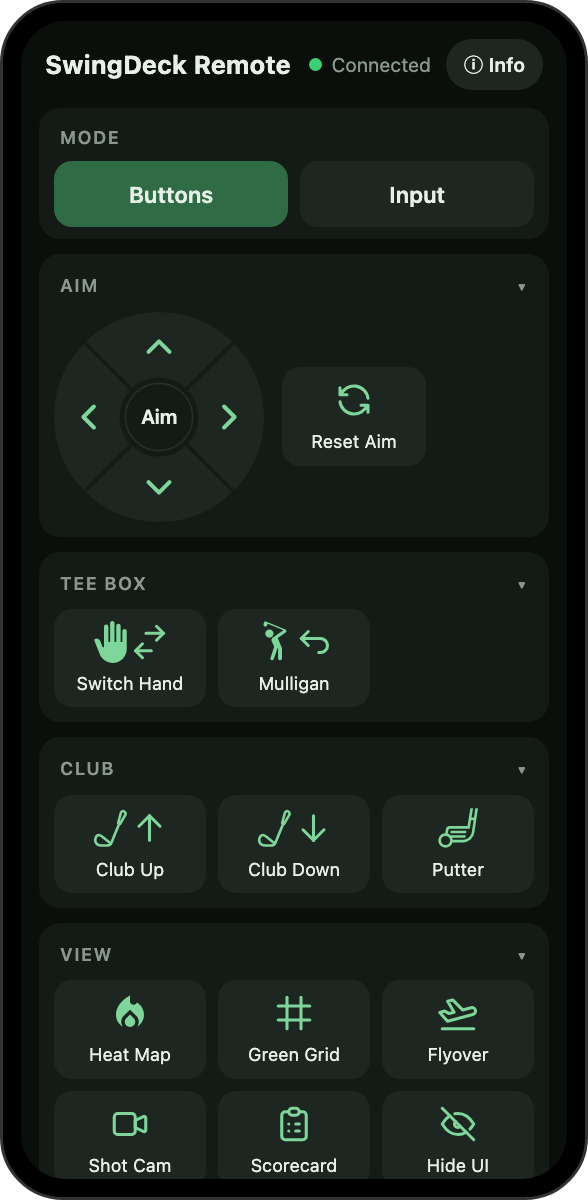
Aim
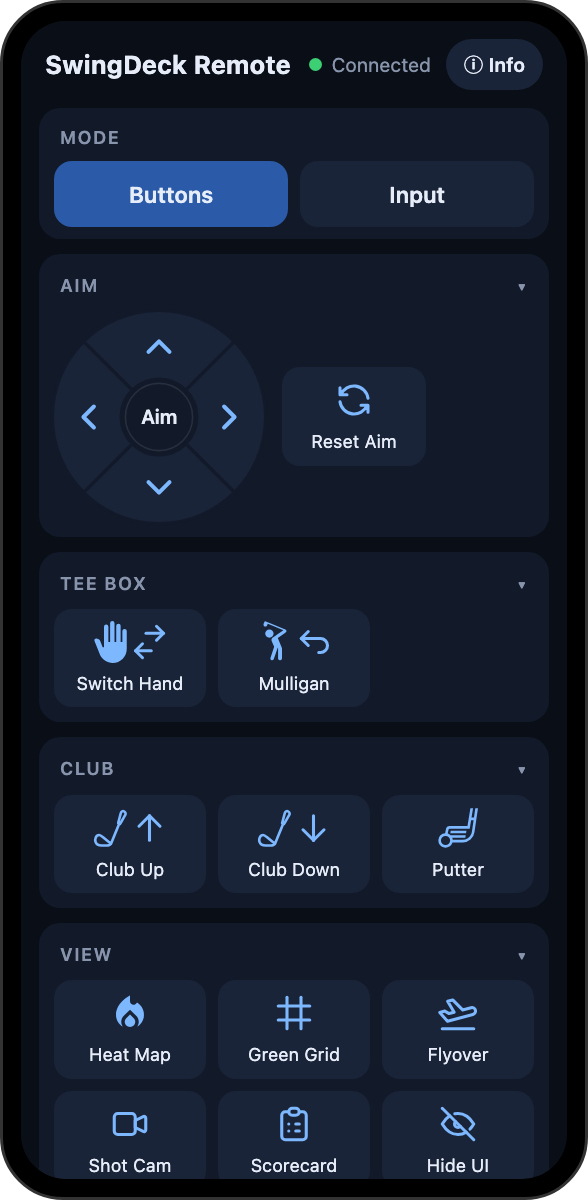
A round aim wheel for your thumb.
Tap for one nudge, hold to keep aiming, or slide from one direction to the next without lifting. Reset Aim sits right beside it.
- Club up and down, putter, switch hand and mulligan
- Heat map, green grid, shot cam, flyover and scorecard
- Every button has its own icon
Input
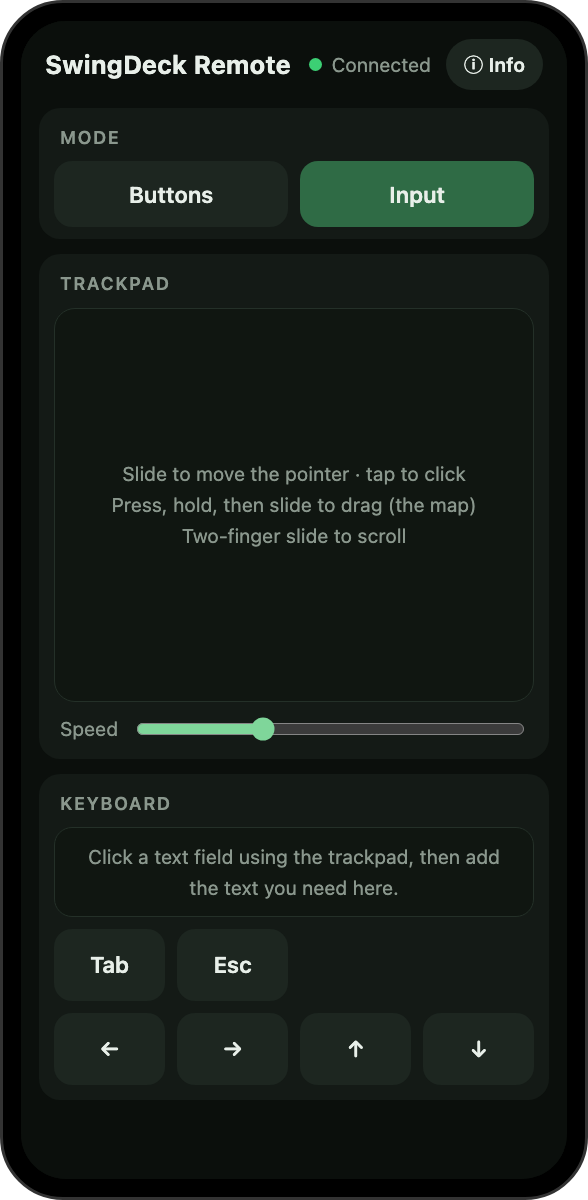
Trackpad and keyboard in one place.
Slide to move the pointer, tap to click, press and hold to drag, and use two fingers to scroll. Then tap the box underneath and type with your phone's own keyboard, straight into the game.
- Move, click, drag and scroll
- Type player names with your own keyboard
- Tab, Esc and the arrow keys are always there
Make it yours
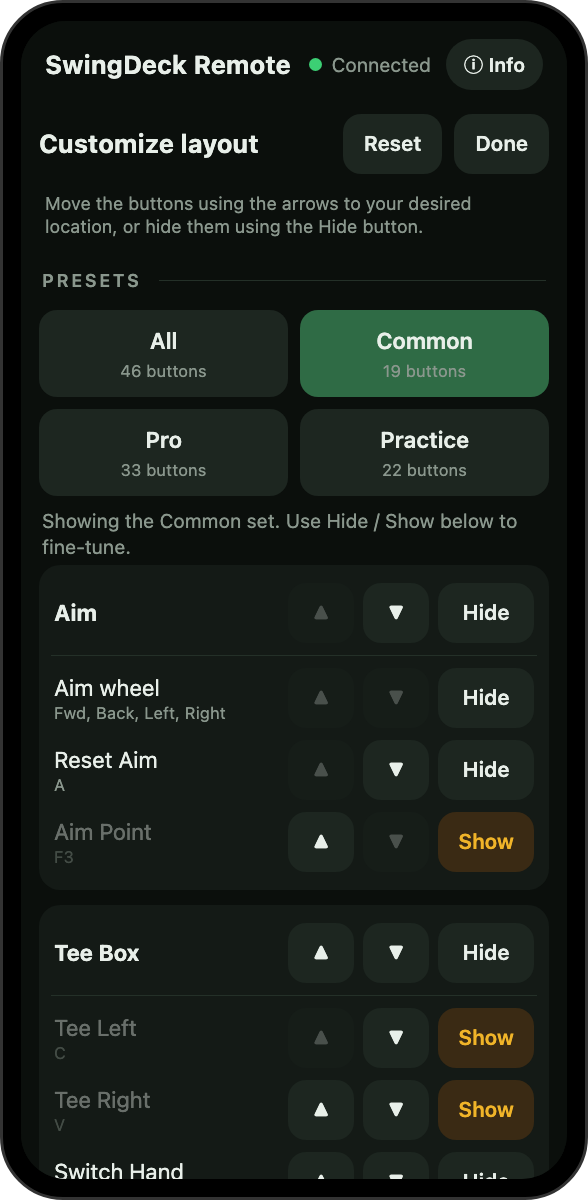
Show only what you use.
Hide the buttons you never touch, put the rest in your order, or start from a ready-made set: Common, Pro or Practice. Your arrangement is kept on the PC and shared by every device you pair.
- Hide, show and re-order
- Presets in one tap
- One reset button to start again
Themes
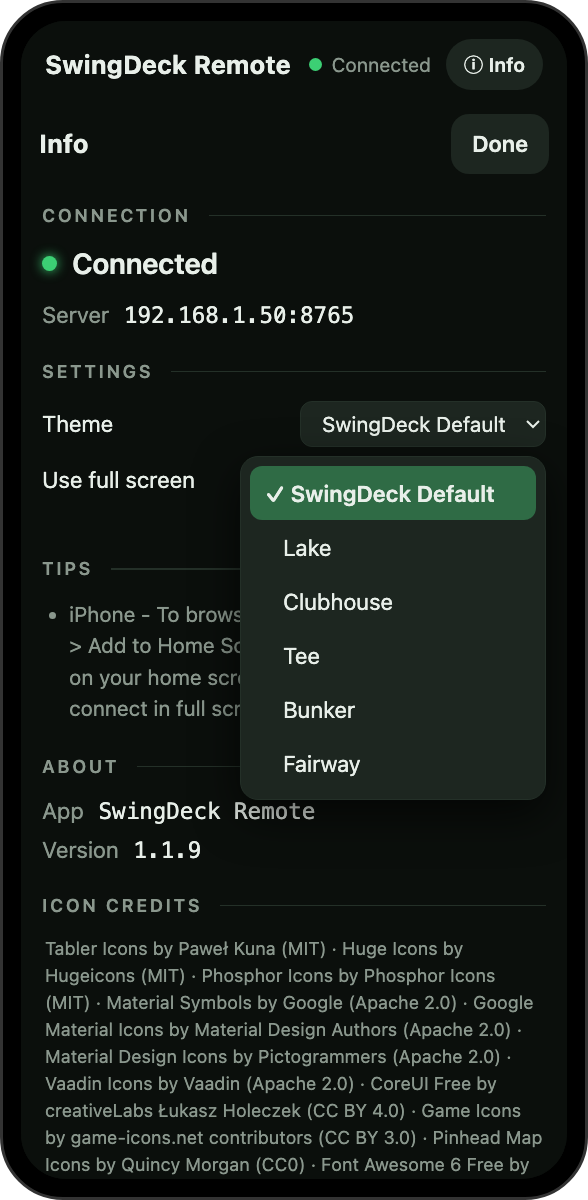
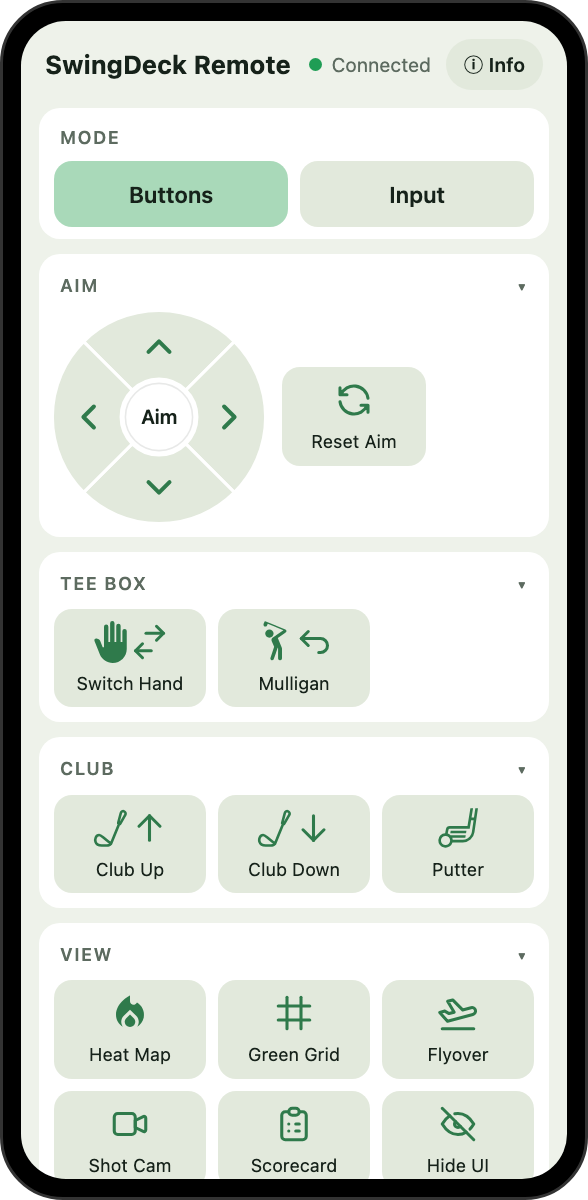
Pick a look for each device.
Six colour themes, from the default dark green to a light one for a bright room. Each phone remembers its own.
- SwingDeck Default, Lake, Clubhouse, Tee, Bunker and Fairway
- Switch any time from the Info page
On your PC
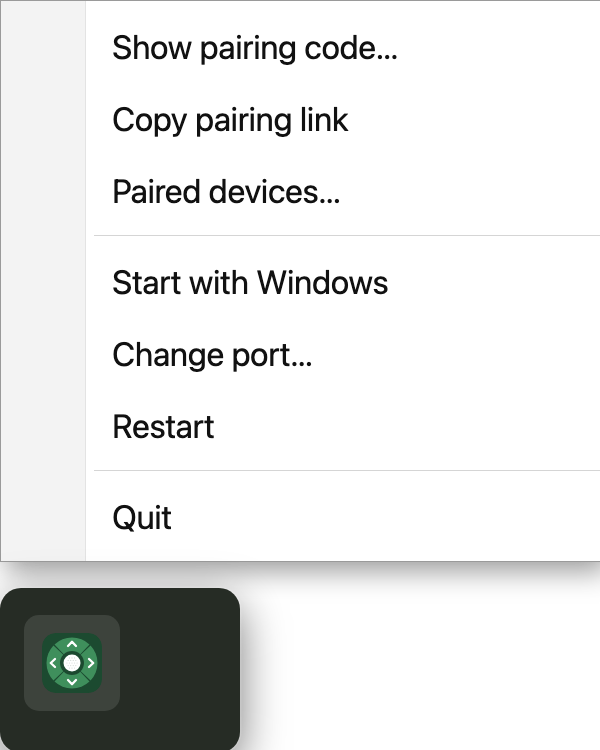
Quiet in the tray, there when you need it.
Pair a new device or remove an old one in a couple of clicks.
Price
One purchase. No subscription.
Try it free for 7 days, then keep it for a single payment.
- 7-day free trial
- No subscription, ever
- Updates through the Microsoft Store
- Works over your own Wi-Fi
Questions
Good to know.
Do I need to install an app on my phone?
No. Scanning the code opens SwingDeck Remote in your phone's browser. Add it to your home screen once for an app-style icon.
Does it need the internet?
Not to play. Your phone and PC only need to be on the same home Wi-Fi network. Nothing from the app is sent to us or anyone else.
Which devices work?
Any recent iPhone, iPad, Android phone or tablet with a current browser. Full-screen mode is available on iPad and Android.
How much does it cost?
$15, once. There's a 7-day free trial, and no subscription. It's sold through the Microsoft Store.
Do I need a Microsoft account?
The Microsoft Store asks you to sign in with a Microsoft account to get the app. The app itself has no accounts and no login.
Which games does it work with?
It's built for GSPro, and the keys it sends are GSPro's defaults.
Does it work with more than one monitor?
Yes. Buttons only send keys while GSPro is the window in front, whichever monitor it's on. Click GSPro to give it focus.
The buttons stopped working. Why?
GSPro only reads keys while it's the active window, so clicking away pauses the buttons. The phone shows a banner when this happens. Click GSPro on the PC and carry on.
What if GSPro runs as administrator?
Windows doesn't let a normal program send keys to an administrator program. Start GSPro normally. The phone shows a red banner when this is the problem.
How many phones can I pair?
Up to 20 devices, each paired once with a one-time code. You can remove any of them from the tray menu.
Is it safe?
Pairing codes expire after ten minutes and work once. Traffic stays on your own network. Buttons only send keys while GSPro is in front. See the privacy policy for the details.
Do I get updates?
Yes. Updates arrive through the Microsoft Store like any other app.
More help on the support page, or email support@swingdeck.golf.